Features
ویژگیها
Everything LMG OS gives you, in one light system.
هرچه LMG OS به شما میدهد، در یک سیستم سبک.
New in 1.1
تازه در 1.1
Persian for the whole system
فارسی برای کل سیستم
One tap on the taskbar language button switches the desktop, menus, apps and keyboard to Persian, without mixing Persian and English words in a sentence.
با یک کلیک روی دکمهی زبان نوار وظیفه، دسکتاپ، منوها، برنامهها و کیبورد فارسی میشوند، بدون اینکه کلمههای فارسی و انگلیسی وسط جمله قاطی شوند.
Upgrade without losing data
ارتقا بدون از دست دادن داده
The installer finds an older LMG OS and upgrades it while keeping your files, settings and programs. You can also upgrade from the Control Panel.
نصبکننده LMG OS قدیمی را پیدا میکند و بدون حذف فایلها، تنظیمات و برنامهها آن را ارتقا میدهد. از پنل کنترل هم میشود ارتقا داد.
Graphical Package Manager
مدیر بستهی گرافیکی
Search, install and remove programs with a click. The packages that make up LMG OS are locked, so you cannot remove them by mistake.
برنامهها را با یک کلیک جستوجو، نصب و حذف کنید. بستههای اصلی LMG OS قفل هستند و بهاشتباه حذف نمیشوند.
A new first-run Welcome
صفحهی خوشآمد جدید
After a fresh install or an upgrade, LMG OS greets you in 24 languages and guides you through language, rules, customization, safety and a short tutorial.
بعد از نصب تازه یا ارتقا، LMG OS با ۲۴ زبان خوشآمد میگوید و زبان، قوانین، شخصیسازی، امنیت و یک آموزش کوتاه را نشان میدهد.
Android-style desktop folders
پوشههای دسکتاپ به سبک اندروید
Drop an app on another to make a folder. It opens in the middle of the screen with a neon-blue edge. Ready-made: LMG Apps and Minesword Apps.
یک برنامه را روی برنامهی دیگر بیندازید تا پوشه ساخته شود. پوشه در وسط صفحه با لبهی آبی نئونی باز میشود. آماده: LMG Apps و Minesword Apps.
More ways to make it yours
شخصیسازی بیشتر
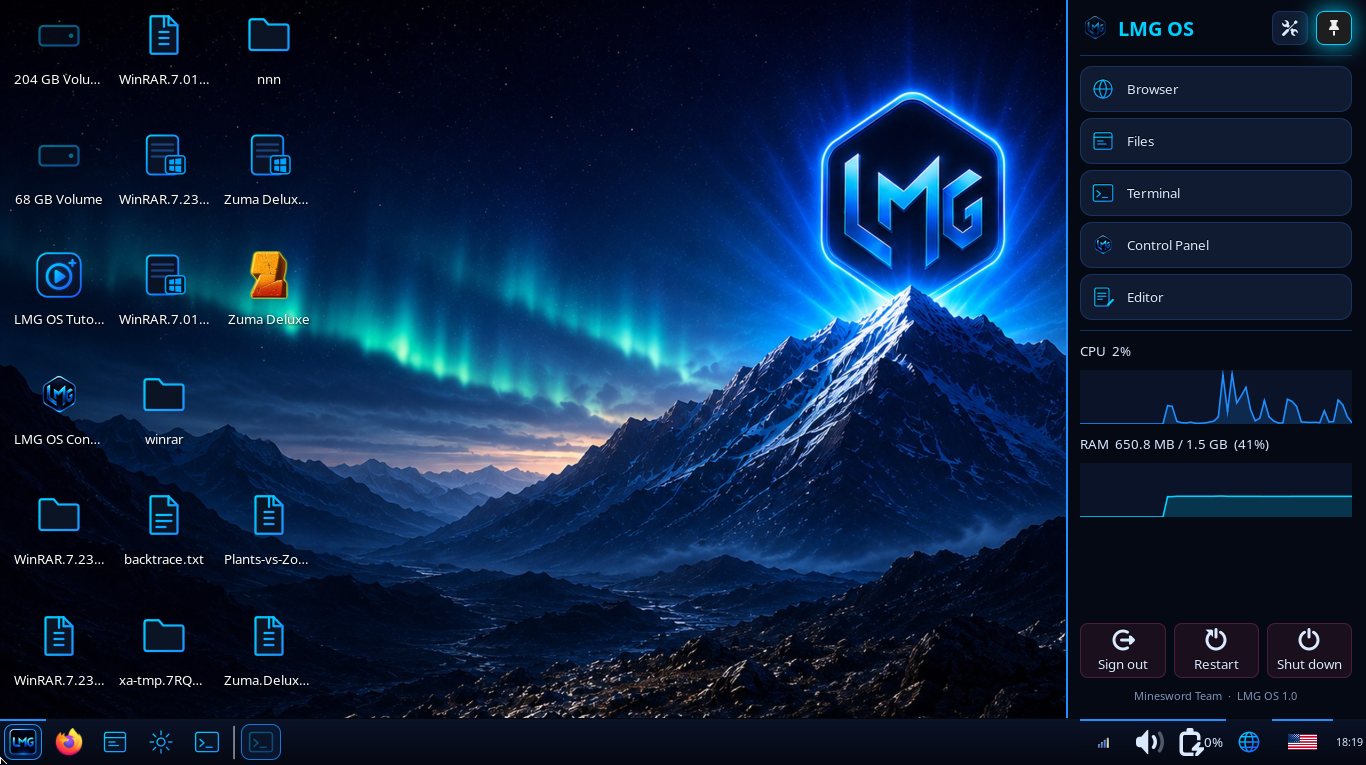
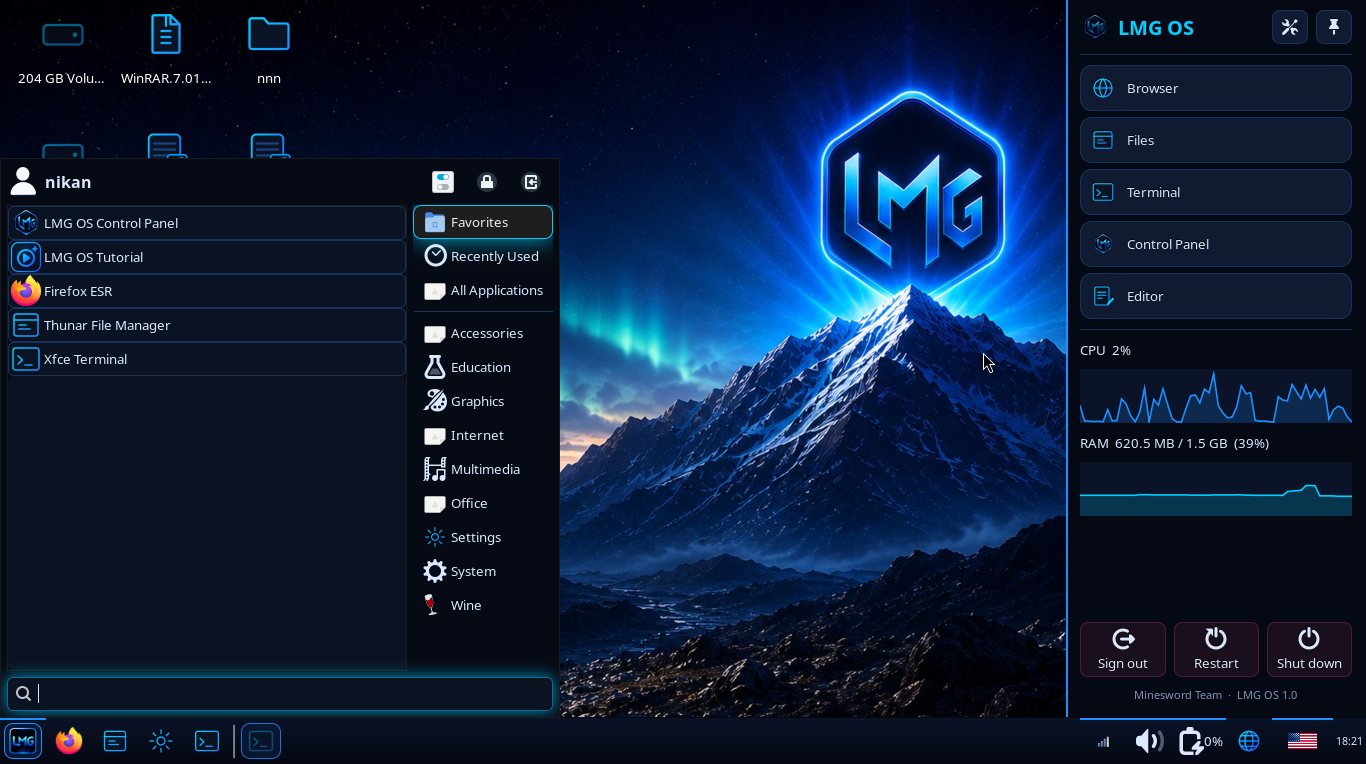
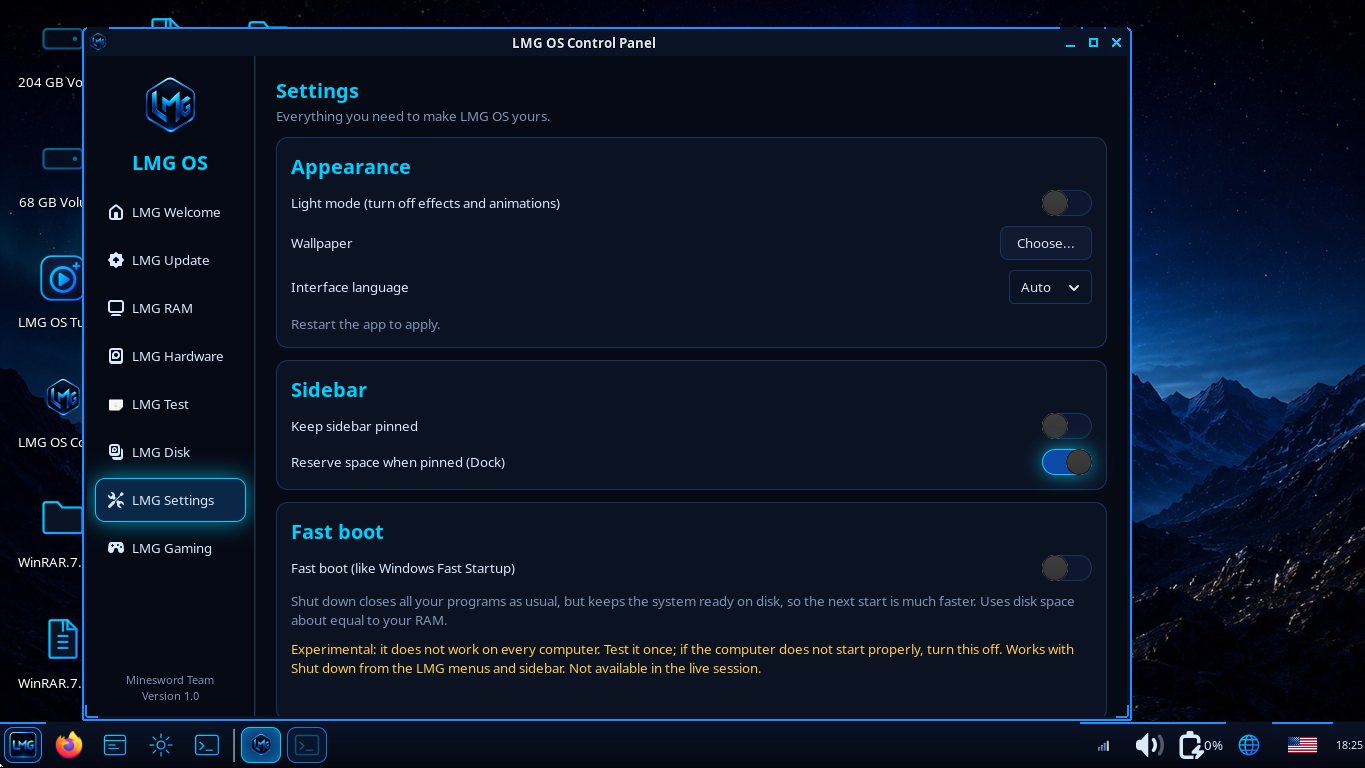
A gallery of 9 wallpapers, a Fancy animations switch, a neon frame around the taskbar, an optional sidebar and Settings as its own app.
گالری ۹ والپیپر، کلید انیمیشنهای فانتزی، قاب نئونی دور نوار وظیفه، نوار کناری اختیاری و تنظیمات بهصورت برنامهی جدا.
The whole system
کل سیستم
Neon look
ظاهر نئونی
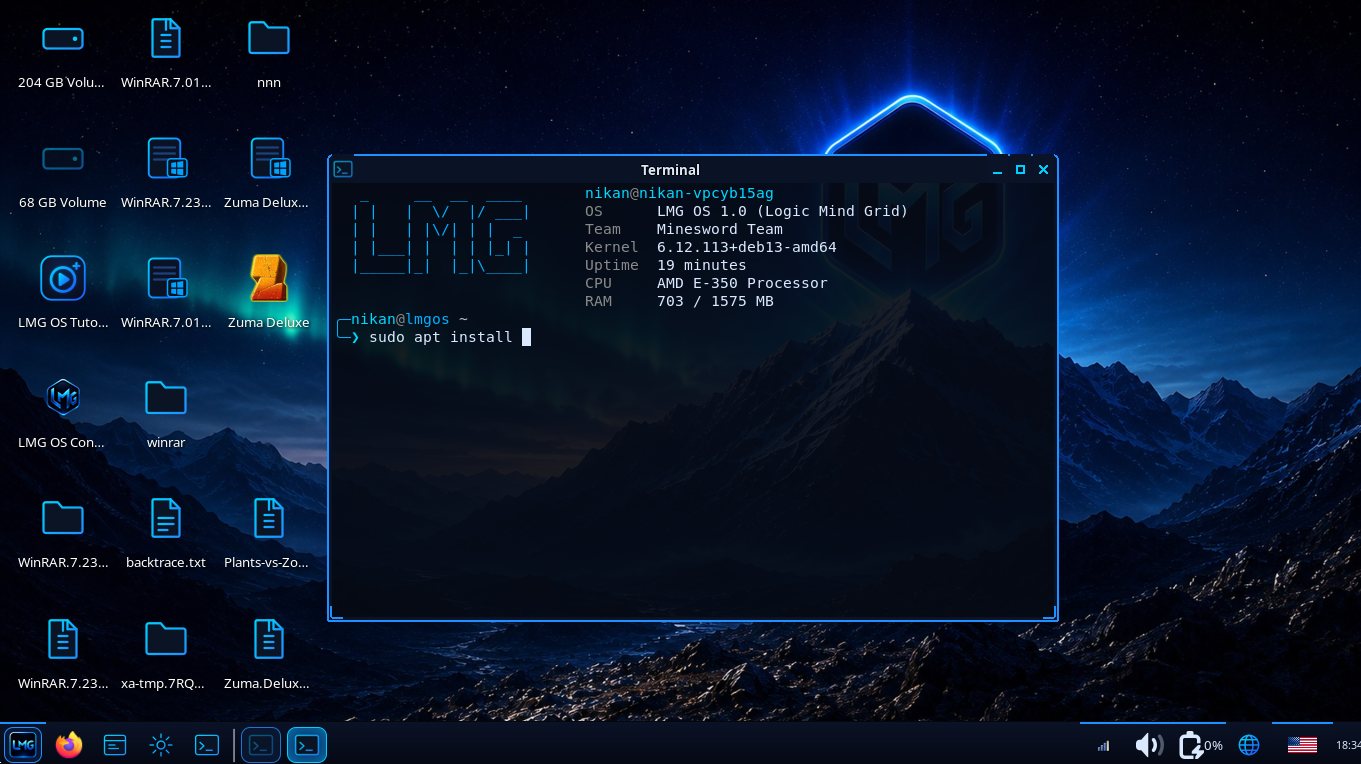
Black and neon-blue theme, smooth window animations, a slide-in sidebar and a tidy taskbar.
تم مشکی و آبی نئونی، انیمیشن نرم پنجرهها، نوار کناری کشویی و نوار وظیفهی مرتب.
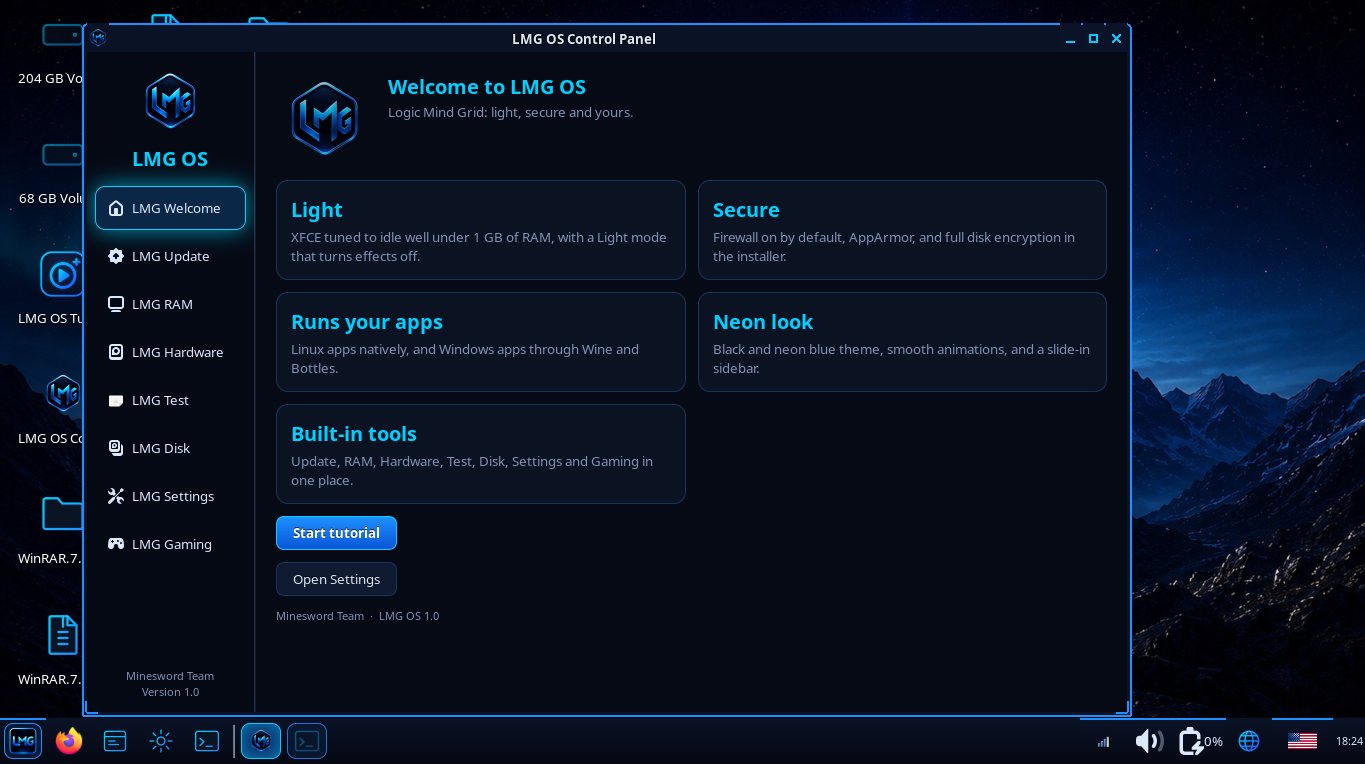
LMG Control Panel
پنل کنترل LMG
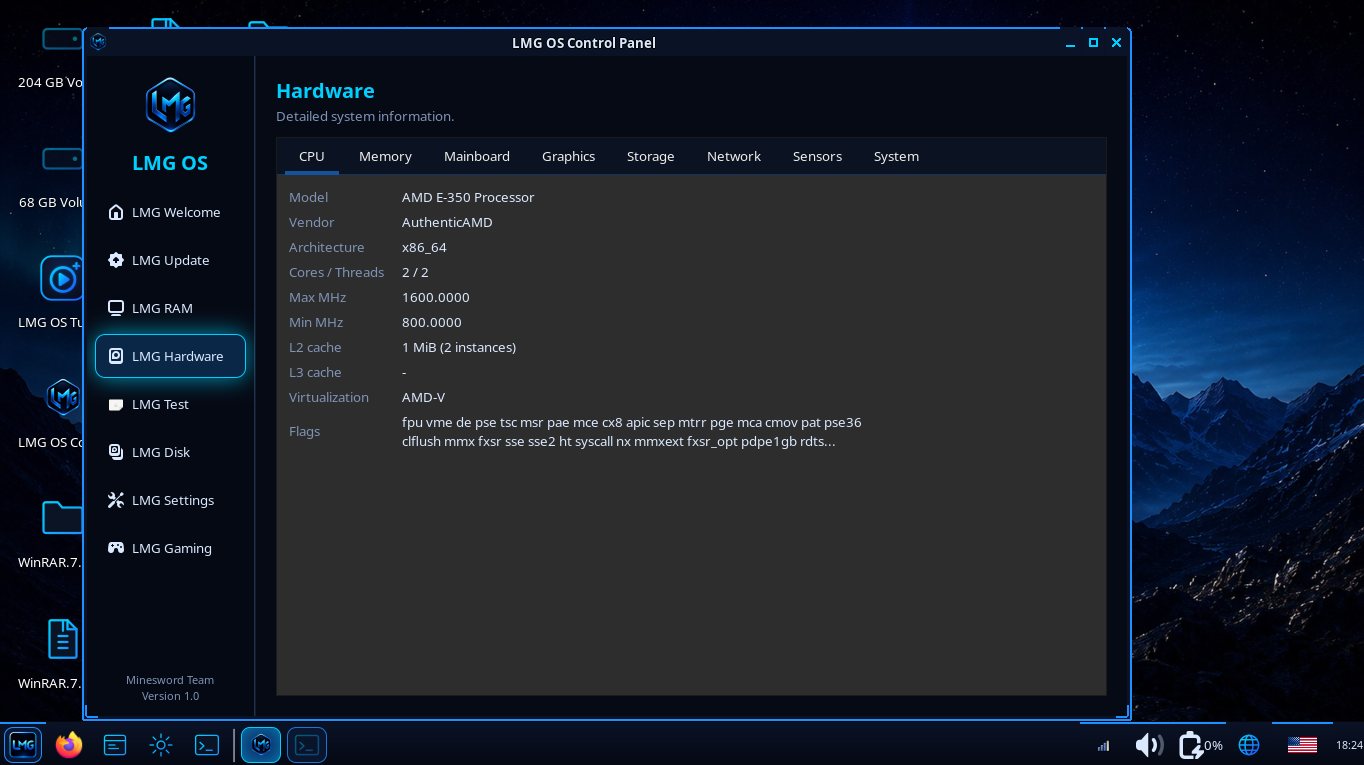
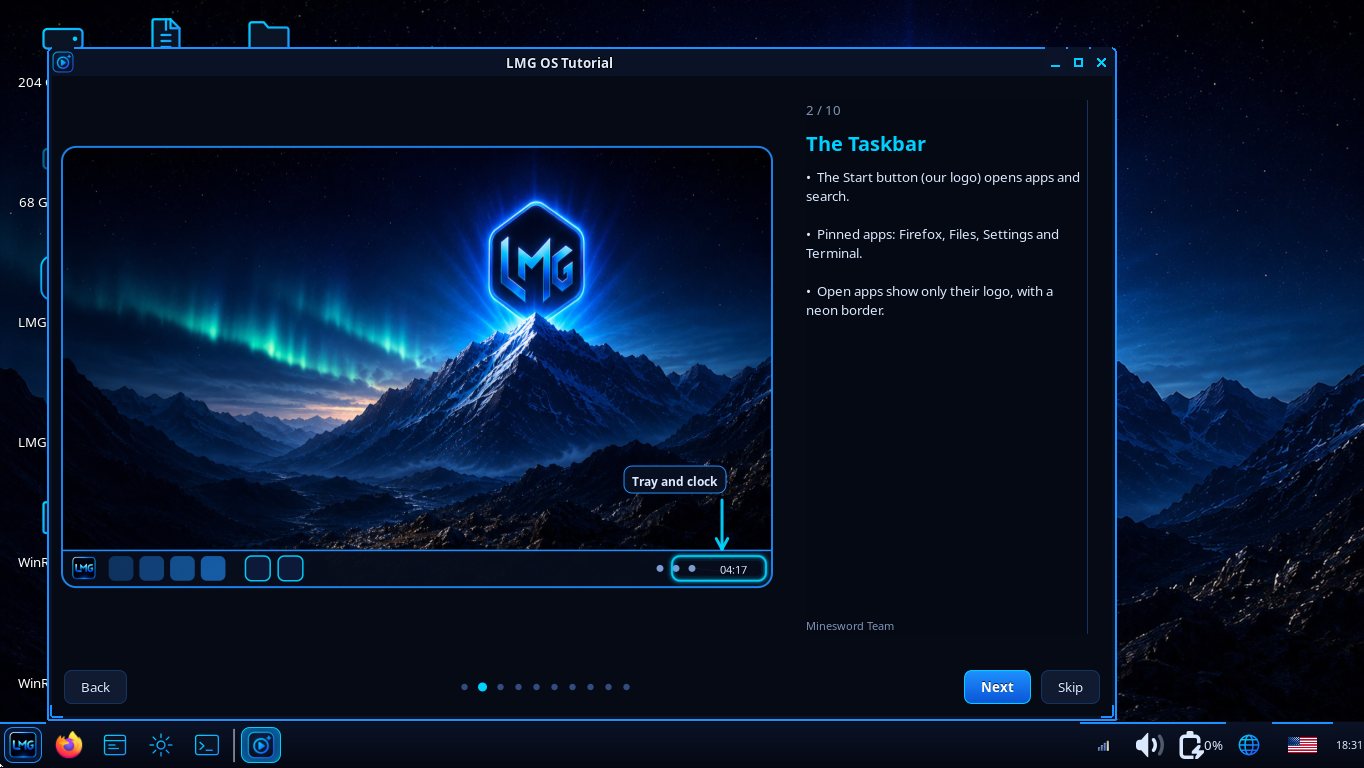
Update, Upgrade, RAM, Hardware, Test, Disk, Settings and Gaming in one place, plus an interactive tutorial.
آپدیت، ارتقا، RAM، سختافزار، تست، دیسک، تنظیمات و گیمینگ در یک جا، بهعلاوهی آموزش تعاملی.
Safe updates
آپدیت امن
Updates are downloaded first and installed before the desktop starts. One click restores the previous version.
آپدیتها اول دانلود و پیش از بالا آمدن دسکتاپ نصب میشوند. با یک کلیک نسخهی قبلی برمیگردد.
Gaming Mode
حالت گیمینگ
Closes extra apps and raises CPU and graphics performance. Fully reversible. Light mode helps old PCs.
برنامههای اضافه را میبندد و کارایی CPU و گرافیک را بالا میبرد. کاملاً برگشتپذیر. حالت Light به کامپیوترهای قدیمی کمک میکند.
Secure by default
امن بهصورت پیشفرض
Firewall, AppArmor and disk encryption in the installer. The optional USB scanner checks drives before use.
فایروال، AppArmor و رمزنگاری دیسک در نصبکننده. اسکنر USB اختیاری، فلش را پیش از استفاده بررسی میکند.
Windows programs
برنامههای ویندوز
Run many Windows programs through Wine and Bottles. Linux apps via Flatpak and Debian packages.
بسیاری از برنامههای ویندوز با Wine و Bottles اجرا میشوند. برنامههای لینوکس با Flatpak و بستههای Debian.
Light on memory
کممصرف
zram and earlyoom keep low-RAM computers responsive. Runs on 2 GB of RAM.
zram و earlyoom کامپیوترهای کمرم را روان نگه میدارند. با ۲ گیگابایت رم اجرا میشود.
Wide hardware support
پشتیبانی گسترده از سختافزار
AMD, Intel and NVIDIA graphics, Wi-Fi, Bluetooth, and Android phones through LMG Connector.
گرافیک AMD، Intel و NVIDIA، وایفای، بلوتوث و اتصال گوشی اندروید با LMG Connector.
English and Persian
فارسی و انگلیسی
The whole interface is available in English and Persian, with a language button on the taskbar.
کل رابط به فارسی و انگلیسی است و دکمهی زبان روی نوار وظیفه قرار دارد.
Screenshots
تصاویر